
Chapter 4 · 4 of 6
Reviving the network a work expects
Keeping the machine running is only half the job. A networked artwork talks to servers that are usually gone — so the toolkit lets you see, archive, and stand in for them.
Many historical works reach out across the network: to a server that answered in 2001, to a content-delivery service that provided an image or a sound file, to an address that no longer exists. When those servers vanish, the work breaks — not because its code is lost, but because the conversation it expects has no one left to answer. An optional conservation toolkit lets you see that conversation, archive it while it still happens, and stand in for the servers that are already gone.
See what a work reaches for
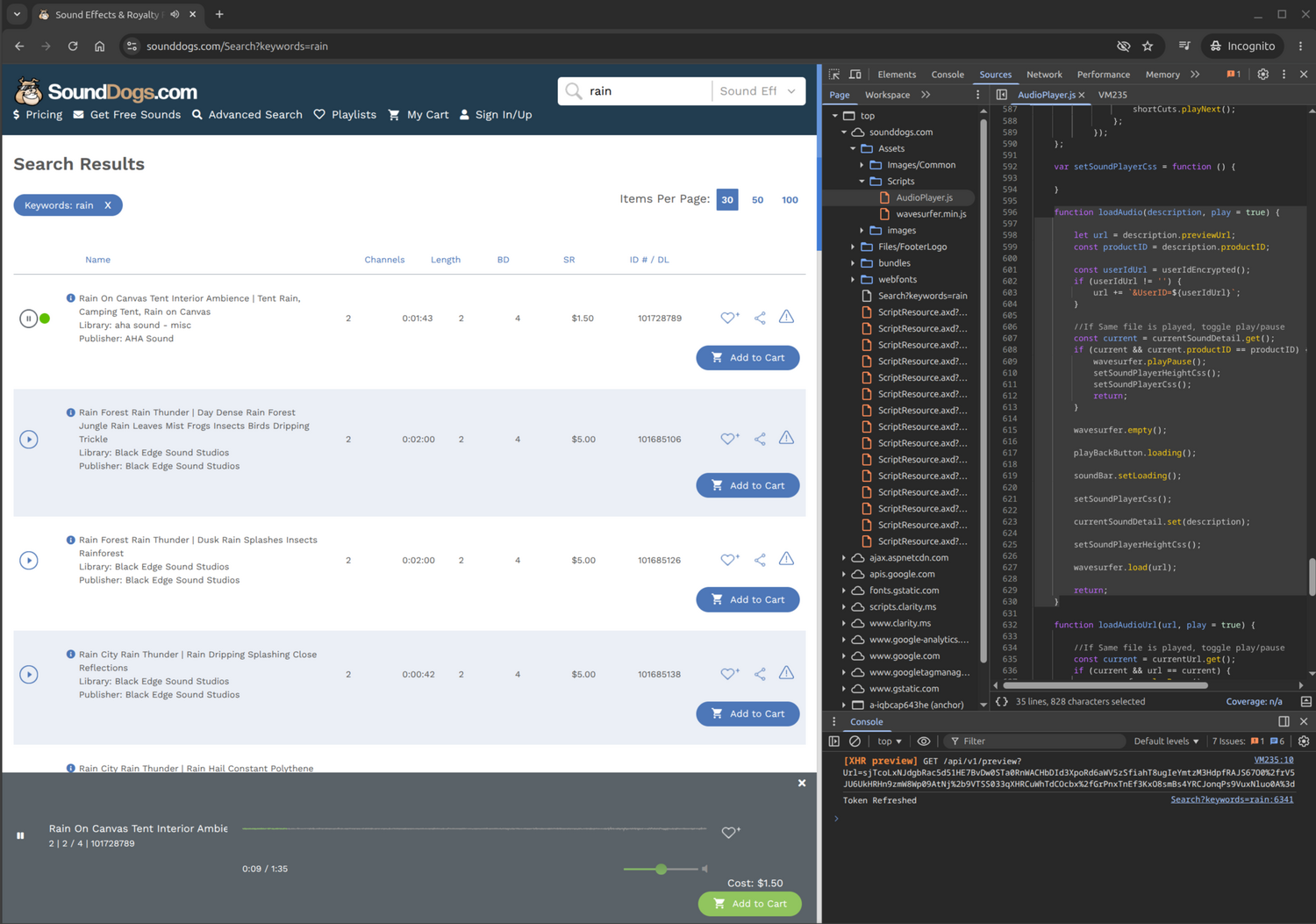
The toolkit records the network traffic of the guest — the artwork’s virtual machine — at the virtual network cable, and pairs it with the browser’s own inspector, to list every server and port the work touches — the forensic view that reveals which dead services a piece actually depends on.
Revive dead servers
An archive layer (built on mitmproxy) serves a dead server’s responses from a local archive — recording the live ones while they still answer — with a small standard web server (nginx) in front to redirect requests by hostname, no special privileges needed. The work believes it is talking to the historical internet; every byte comes from controlled, offline storage. A sibling project, the Wayback Cache Proxy, packages local caching, HTTPS interception, and web-archive replay for legacy browsers.
Intercept HTTPS, and drive a black box
Some of that traffic is encrypted (HTTPS). To read it, the toolkit can silently install its own
certificate — the credential that lets it stand in for the original servers — into the
places the old system looks for trusted certificates (the Windows root store, Java’s
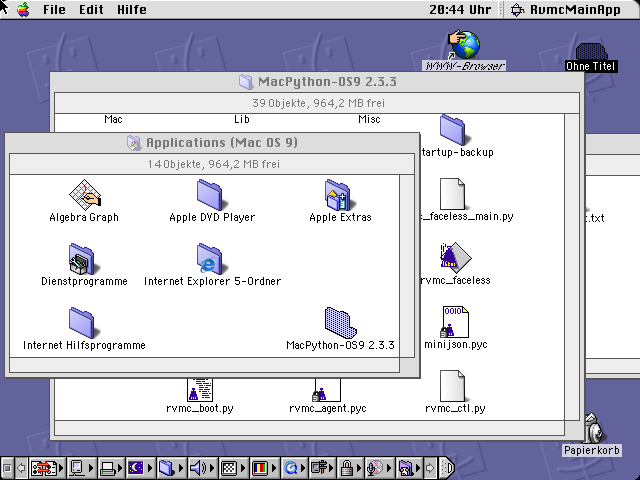
cacerts, Firefox/NSS). And a single drop-in in-guest agent — one
small helper program, a single Windows executable that runs from XP through Windows 10 —
exposes processes, windows, input injection, screenshots, files, the registry, and network probes over
the open Model Context Protocol (MCP), so an AI agent can investigate and operate an
artwork from inside. A small adapter on the host combines these with the tools of the virtualization
software itself (screenshot, send-key, snapshots) into one endpoint.
Prepare for unattended presentation
A presentation-hygiene panel offers toggleable, reversible tweaks that make a machine safe to face the public in “kiosk” mode — locked down, full-screen, nothing but the artwork: disable the screensaver, updates, and pop-ups; harden against a visitor breaking out of the work; point hardcoded hostnames at the proxy — so a verified machine is ready for months on show.
That is everything a conservator needs to bring a work back and keep it on show. The final two chapters are optional: how the system is built, for anyone who wants to deploy or extend it, and how to get and cite it.